


Law firm automation stopped being optional the day the math went public. Clio’s Legal Trends research shows lawyers bill only around 3 hours of an 8-hour day, Thomson Reuters’ small-firm research finds attorneys spending roughly 40% of their time on administrative and business tasks rather than practicing law, and McKinsey’s automation analysis estimated that about 23% of a lawyer’s work is automatable with existing technology.
Put plainly: nearly a quarter of what your firm pays legal professionals to do, software can already do, and the other firms in your market adopted AI at a pace Clio measured jumping from 19% to 79% in one year.
This guide gives you the twelve law firm automation workflows with the fastest payback, organized by where the money leaks, plus the software landscape, real costs, and the honest answer on buying tools versus building your own.
What Is Law Firm Automation?

Law firm automation is the use of software and AI to complete the repeatable work of running a practice: intake and lead follow-up, scheduling, document production, deadlines, time capture, billing, and client communication, with attorneys reviewing outcomes instead of performing tasks. Legal judgment stays human; everything wrapped around it becomes a workflow.
The test for what qualifies: if a task follows the same steps every time and lives in software, it is an automation candidate. If it requires counsel’s judgment, it is not, and pretending otherwise is how automation projects lose the partners’ trust.
Law Firm Automation by the Numbers
The data behind the shift comes from the profession’s own research:
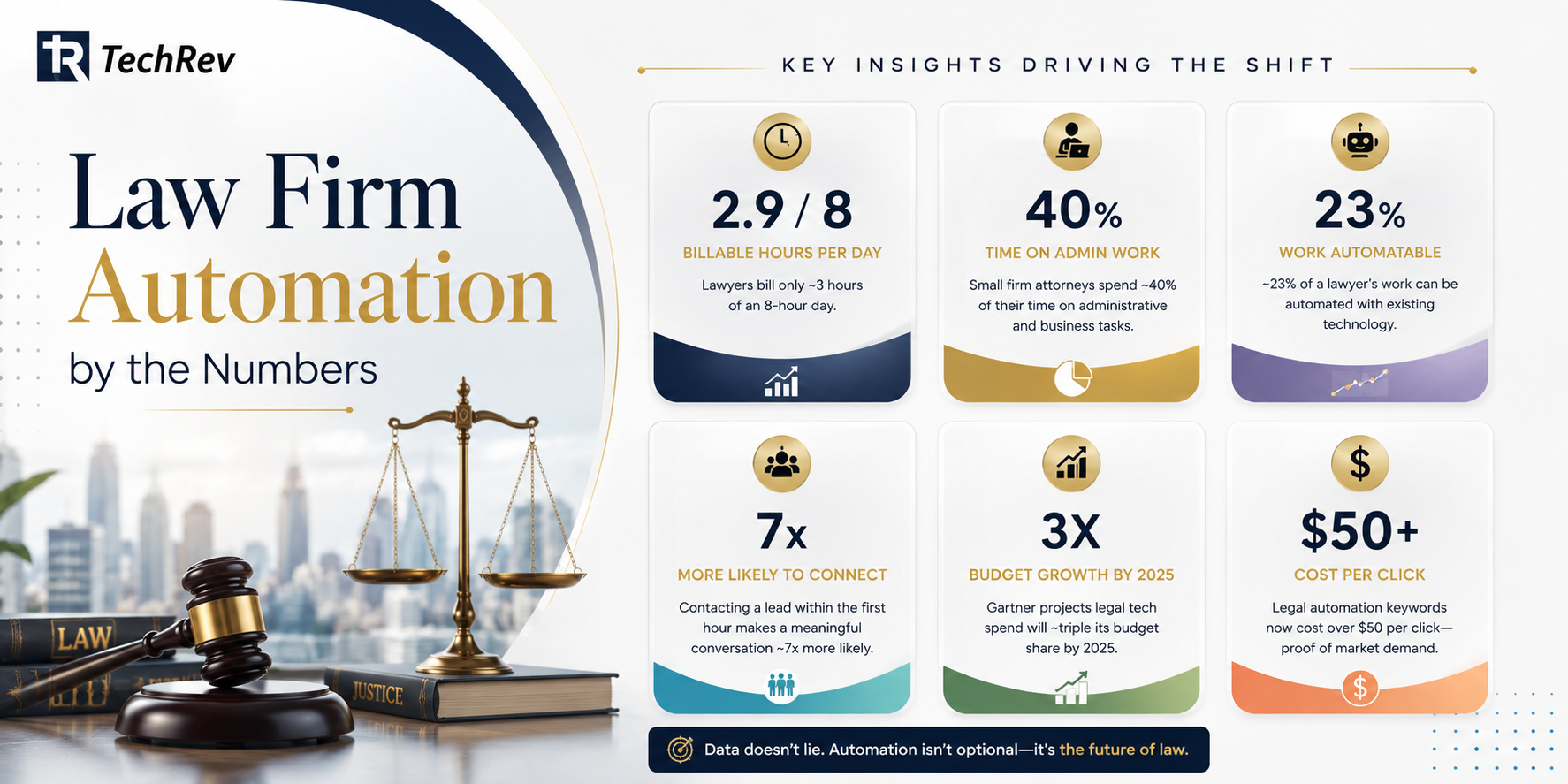
- Utilization is stuck near a third. Roughly 2.9 billable hours per 8-hour day (Clio) means the practice’s biggest growth lever is not more leads; it is reclaiming the five nonbillable hours.
- Admin eats almost half the small-firm day. Thomson Reuters’ research on small law firms consistently finds around 40% of lawyer time going to administrative work, precisely the layer automation removes.
- A quarter of the job is automatable. McKinsey’s estimate that ~23% of lawyer work can be automated with current technology predates modern legal AI, meaning it is now conservative.
- Response speed decides revenue. Lead response research published in Harvard Business Review found contacting a prospect within the first hour makes a meaningful conversation roughly 7x more likely, and intake is exactly where slow firms lose signed cases.
- Budgets already moved. Gartner projected legal tech spending would roughly triple its budget share by 2025, and legal automation keywords now carry ad prices above $50 per click, market proof that firms buying automation expect it to pay.
The 12 Law Firm Automation Workflows That Pay Back First
Client Acquisition Automation
- Intake and lead response. Instant acknowledgment, AI-driven screening questions, conflict pre-checks, and scheduling, converting the speed advantage the HBR research quantified. This workflow is deep enough that we wrote a full guide to legal intake software.
- Appointment scheduling and reminders. Self-booking with real availability plus automated confirmations, ending phone tag and cutting consultation no-shows.
- Client communication and status updates. Automated matter-status updates at defined milestones, answering the “any news on my case?” calls before they happen. Communication failures remain among the most common bar complaints, which makes this workflow risk management, not just convenience.
Legal Document Automation
- Document assembly. Firm templates with conditional logic producing engagement letters, pleadings, and contracts in minutes, the workflow with the largest reclaimed-hours total in most firms. Full breakdown in our guide to legal document automation software.
- E-signature and execution routing. Documents route, sign, and file themselves, compressing signup and closing cycles from days to hours.
- Deadline and docketing automation. Court rules calculate dates, calendars populate, and reminders escalate, attacking the missed-deadline category that drives a large share of malpractice claims.
Legal Billing Automation
- Passive time capture. Software logs time from calls, emails, and documents for attorney review, recovering the billable minutes manual timekeeping forgets, often enough to fund the entire automation program.
- Billing and invoicing. Draft bills generate from captured time and firm rules, pre-checked against client billing guidelines to cut write-downs and rejections. This is also where dedicated legal billing software earns its keep in a stack.
- Payments and collections. Payment links on every invoice, installment plans, and automated reminders, moving collections from awkward partner phone calls to a workflow.
Legal Operations Automation
- Conflict checking. Automated searches across clients, matters, and related parties at intake and lateral hiring, faster and more consistent than memory.
- Matter workflow and task management. Practice-area playbooks that spawn tasks, assign owners, and surface stalls, giving the firm legal operations discipline without hiring a legal ops department.
- AI reception and after-hours coverage. An AI receptionist for law firms answers every call, handles FAQs and scheduling, and captures intake details around the clock, because legal emergencies do not respect business hours, and neither do competitors’ intake systems.
Law Firm Automation Software: Buy, Stack, or Build?
Three honest paths:
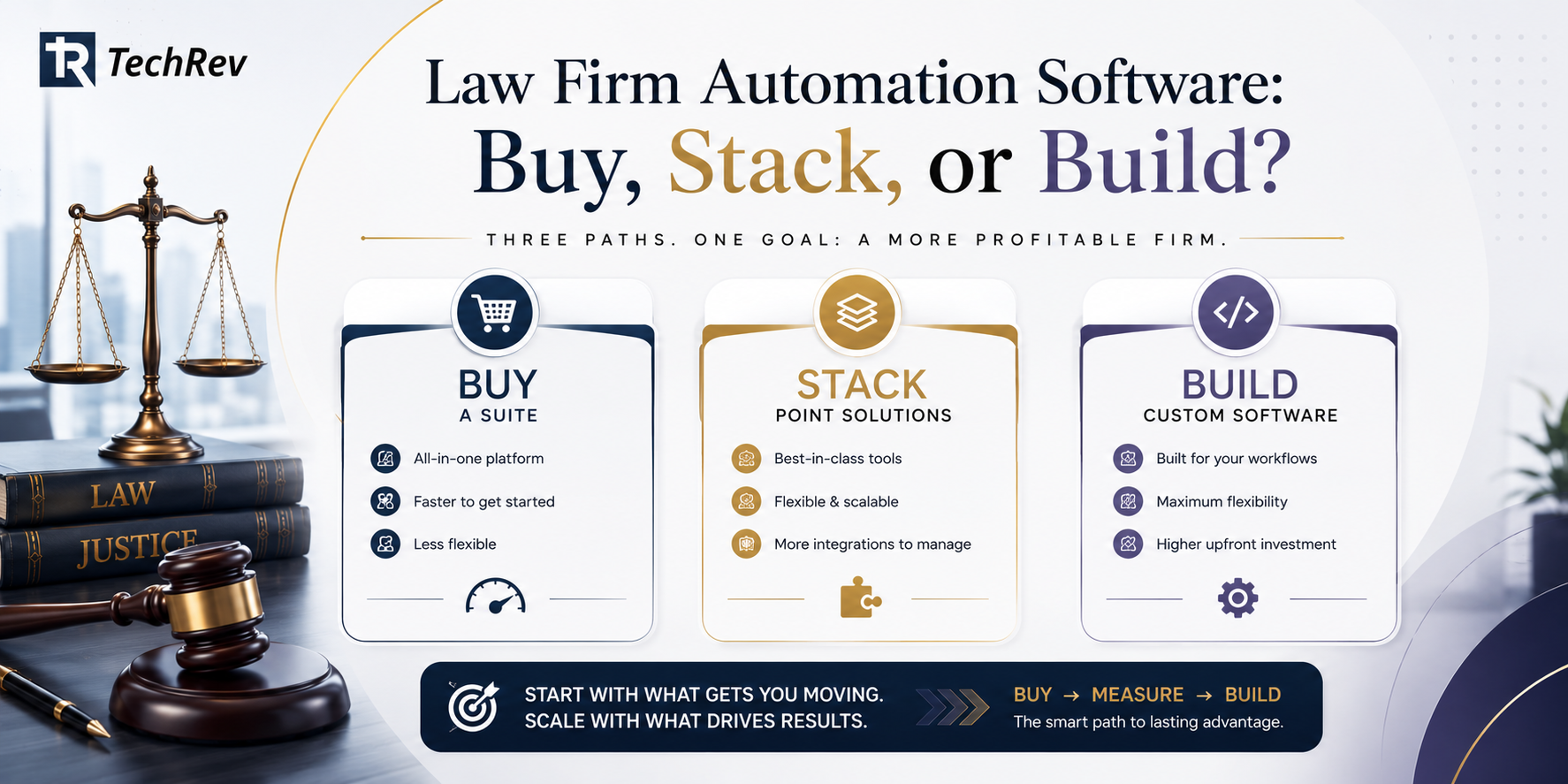
- Buy a suite. Practice management platforms bundle scheduling, documents, billing, and payments. Fastest start, best for standard workflows at small scale, and the right first move for most solo and small firms.
- Stack tools. Point solutions per workflow connected by integrations. Flexible, but every tool adds cost, another data location, and another sync to babysit, and per-user pricing compounds as the firm grows.
- Build custom. Custom software development around the firm’s own workflows: intake logic, document sets, billing rules, and client experience engineered as one system the firm owns. This wins when volume is high, workflows are the firm’s competitive edge, or stacked subscriptions have quietly exceeded what an owned platform costs, the same rent-vs-own economics we detail in our AI automation agency vs custom development comparison.
The sequencing most successful firms follow: buy to start, measure which workflows carry the hours, then graduate the heavy ones to custom. What matters is that data flows between stages; automation that requires re-typing gets abandoned by the second month.
Which Law Firm Automation Workflow Should You Start With?
Start where your leak is loudest. Firms losing leads start with intake and response speed (workflows 1, 2, 12). Firms drowning in production start with documents (4, 5, 6). Firms with cash-flow pain start with time capture and billing (7, 8, 9). Pick one, measure four weeks, expand on evidence, the same MVP development discipline that de-risks any software investment.
How Much Does Law Firm Automation Cost?
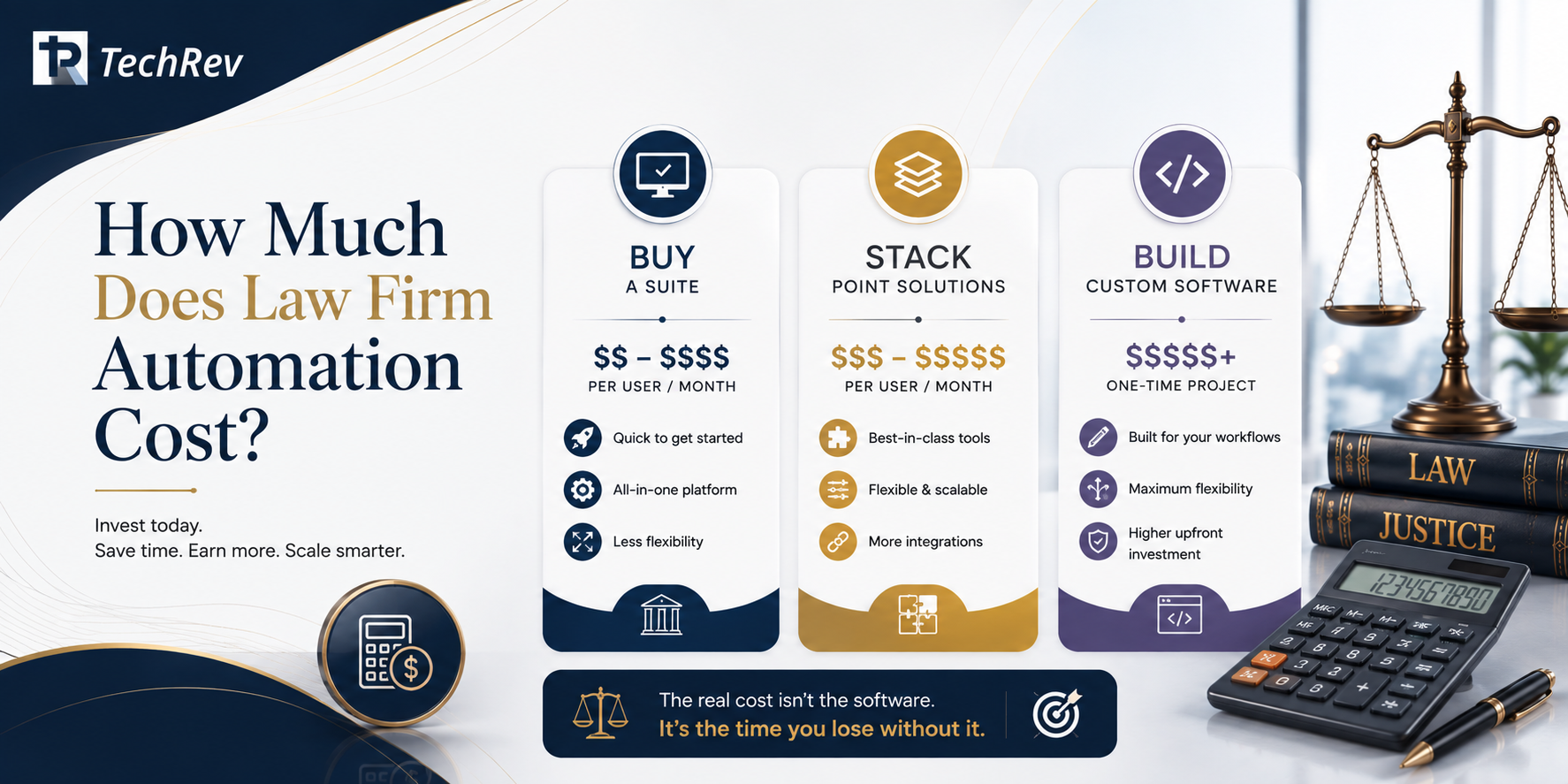
Practice management suites typically run from tens to a few hundred dollars per user monthly, with AI features and add-on tools stacking on top. Point-solution stacks commonly total several hundred dollars per user monthly once intake, documents, billing, and reception tools are combined. Custom law firm automation typically starts in the mid five figures for a focused build, one or two workflows deeply integrated, scaling with breadth and AI capability.
The evaluation that cuts through pricing pages: multiply the hours your team spends weekly on the twelve workflows above by blended cost, add the cases lost to slow response, and compare that annual leak to any option’s price. Against 40% admin time and 2.9 billable hours a day, most firms find the automation is not the expensive part. The status quo is.
How TechRev Builds Law Firm Automation That Fits Your Practice?
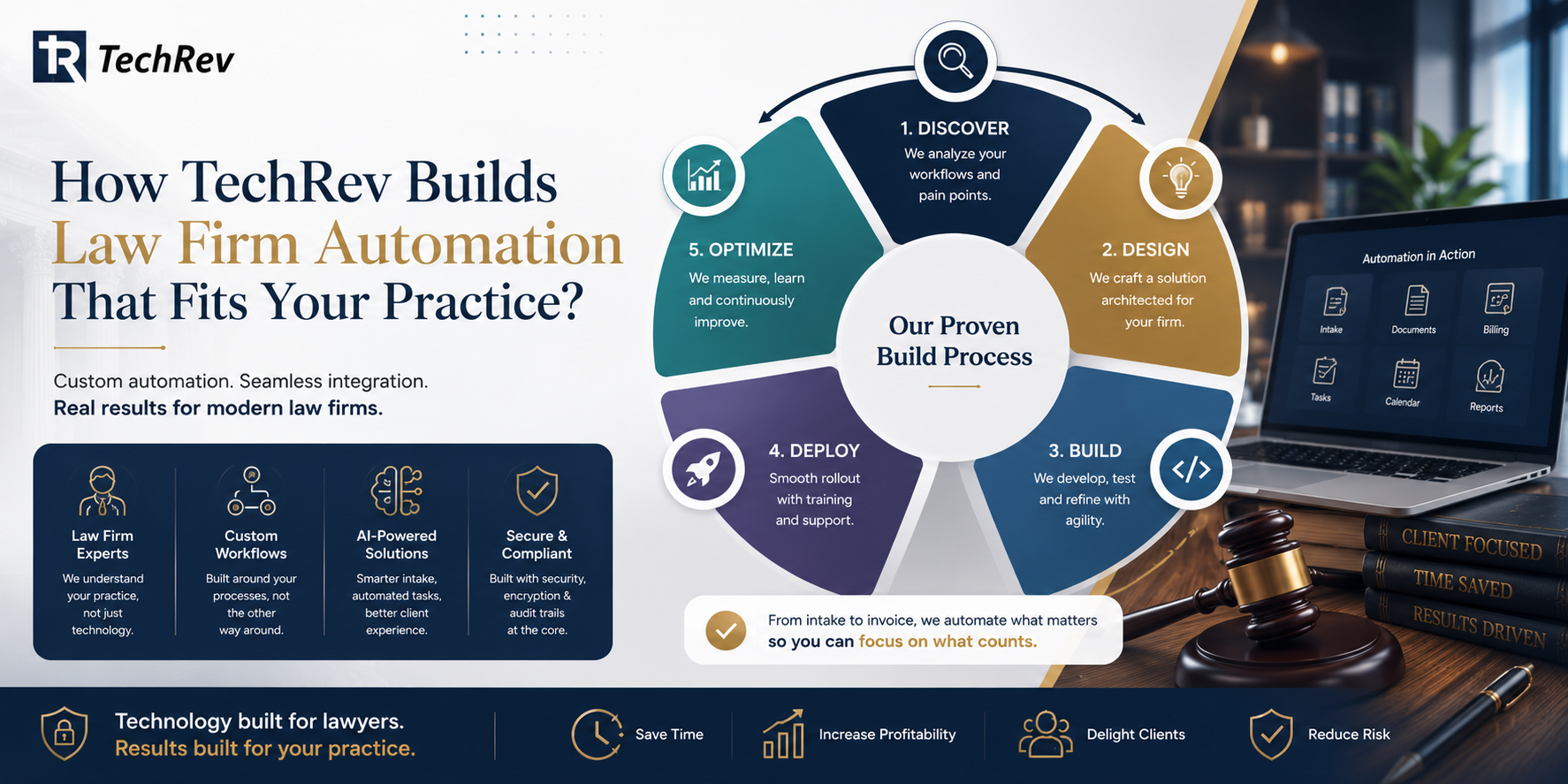
TechRev is a US-based software development company with a dedicated LegalTech practice, building custom intake systems, document automation, AI-powered reception and intake agents, and integrated firm workflows for practices that have outgrown off-the-shelf tools.
Q1: What does a TechRev law firm automation project look like?
We start with your leak, not our stack: a mapping session identifies which of the twelve workflows is costing the most hours or cases, then we build that workflow first, integrated with the practice management, billing, and calendar tools you already use. Success metrics are agreed upfront (response time, drafting hours, captured time, collection days) and measured weekly. Because we build custom, your intake logic, document sets, and client experience work the way your firm actually practices, and because we scope MVP-first, the first workflow proves its numbers before you fund the next. Security is architectural: encryption, access controls, and audit trails throughout.
Q2: Can TechRev automate our firm without replacing our practice management software?
Yes. Our integration-first approach connects automation to the systems you already run through APIs, replacing only what limits you and keeping everything that works.
Q3: Does TechRev build AI receptionists and intake agents for law firms?
Yes. TechRev builds AI agents that answer calls and inquiries, screen against your criteria, check conflicts, and book consultations 24/7, with attorney-controlled review checkpoints.
Q4: What results has TechRev delivered automating manual operations?
For a hospital services vendor, TechRev replaced error-prone manual tracking with an AI-powered workflow system, cutting installation errors by 90% and recovering lost billing documentation.
FAQs About Law Firm Automation
1. What parts of a law firm can be automated?
The repeatable operational layer: intake and follow-up, scheduling, client updates, document assembly, e-signatures, deadlines, time capture, billing, payments, conflict checks, task workflows, and reception. Legal analysis, strategy, and advice remain human, which is exactly why freeing attorneys from the first list matters.
2. Does law firm automation replace paralegals and staff?
In most firms, no; it absorbs the overflow. Automation handles the retyping, reminding, and routing so existing staff manage more matters at higher quality. Firms typically report growth without proportional hiring rather than cuts, mirroring automation outcomes across professional services.
3. What is legal workflow automation?
Legal workflow automation is the orchestration layer: defined sequences (intake to conflict check to engagement letter to calendaring) that trigger, execute, and escalate automatically. Individual tools automate tasks; workflow automation connects them into a process the firm can measure.
4. Is law firm automation worth it for solo and small firms?
Yes, and arguably most: small firms carry the heaviest admin percentage per Thomson Reuters’ research, and suite pricing puts core automation within a modest monthly budget. Start with intake response and document assembly; those two typically return hours within the first month.
5. How does AI fit into law firm automation in 2026?
AI handles the conversational and drafting layers: intake conversations, first-draft documents grounded in firm precedents, time-entry suggestions, and reception. The design rule that keeps it defensible: AI gathers and drafts, attorneys decide, and every action is logged.
6. What are the risks of law firm automation?
Three real ones: automating a broken process (map first), confidentiality exposure across too many third-party tools (favor consolidated or owned architecture), and unsupervised AI output reaching clients or courts (mandatory review checkpoints). All three are design problems, and all three are avoidable.
The Bottom Line on Law Firm Automation
Three billable hours a day, 40% of time on admin, a quarter of the job automatable, and competitors adopting AI at 79%: law firm automation in 2026 is not about technology enthusiasm. It is about refusing to pay attorney rates for work software does better, and reinvesting those hours where the firm actually competes.
Pick your loudest leak from the twelve workflows above, then talk to TechRev’s LegalTech team. We will map the workflow, define the numbers it has to hit, and build the automation that proves itself before you fund the rest.